Description
Quick summary: Replace a damaged or worn keyboard on your HP EliteBook x360 1030 G2 with this direct-fit replacement keyboard (backlit, UK (English) layout). Best for: laptops with missing, sticky or broken keys.
Overview
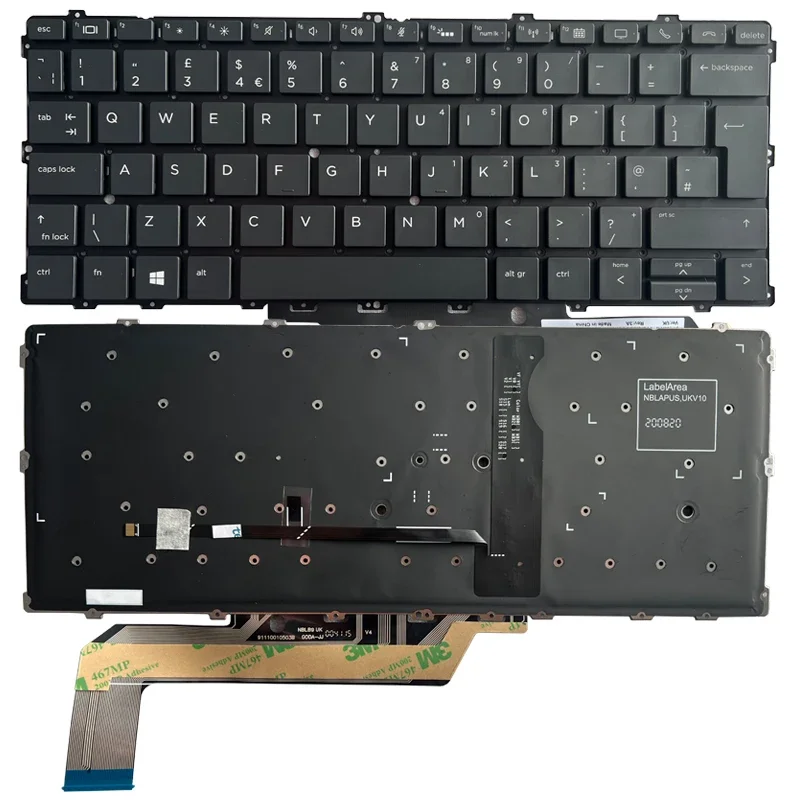
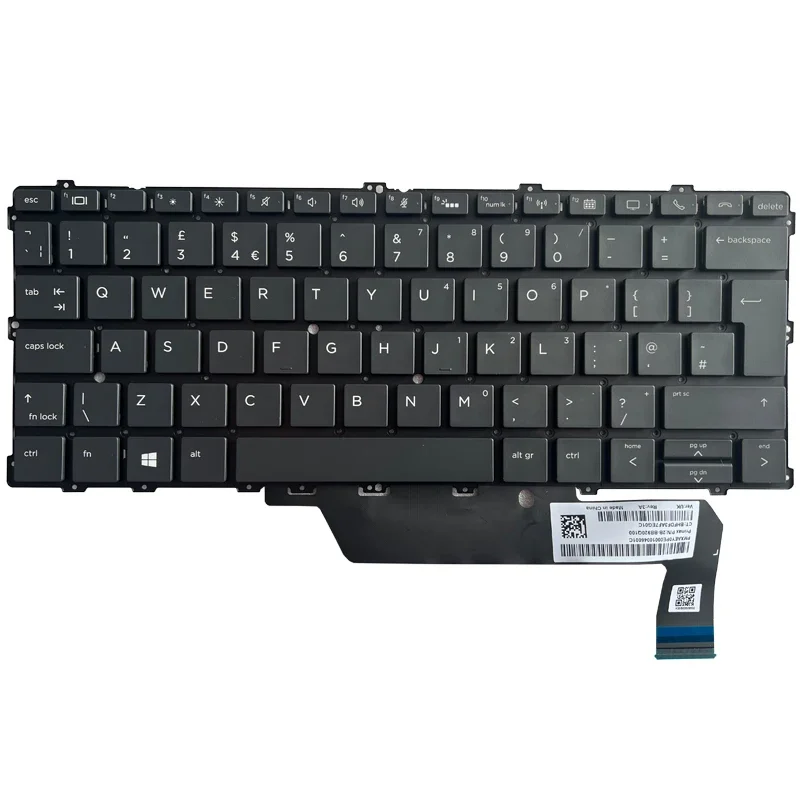
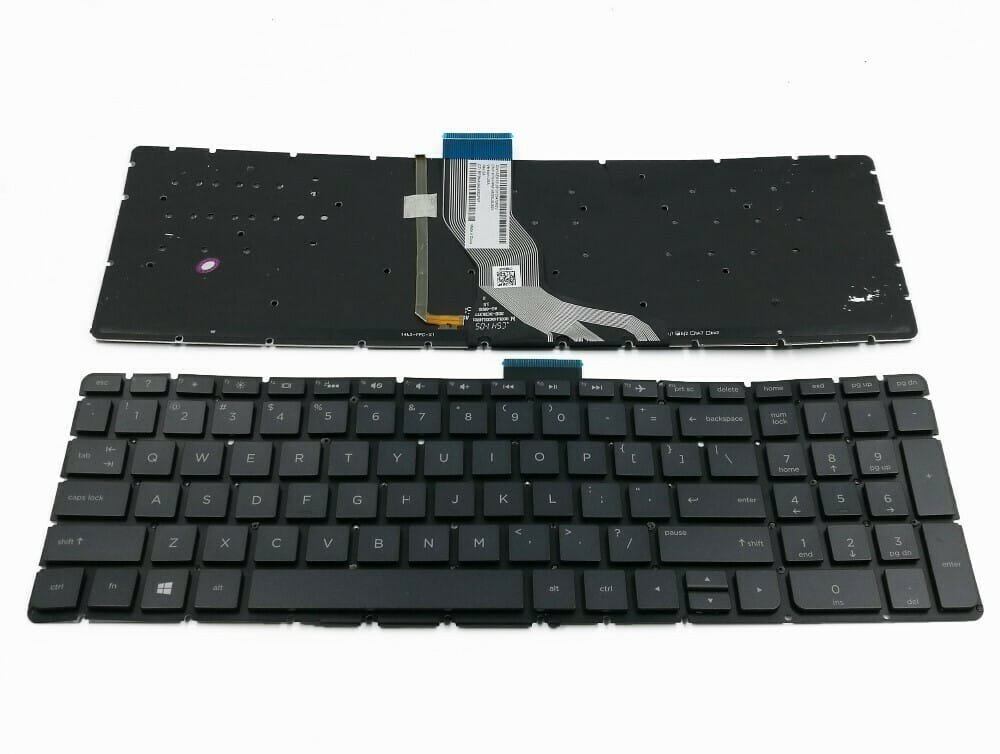
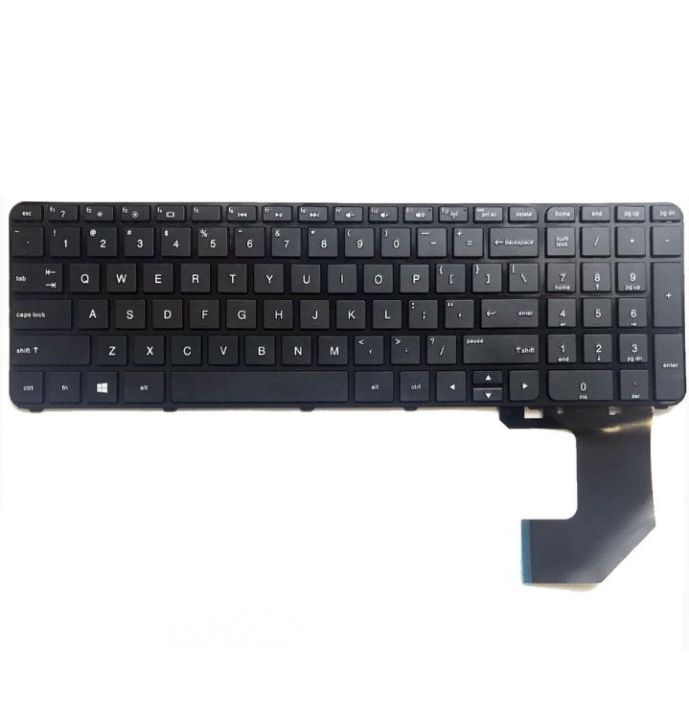
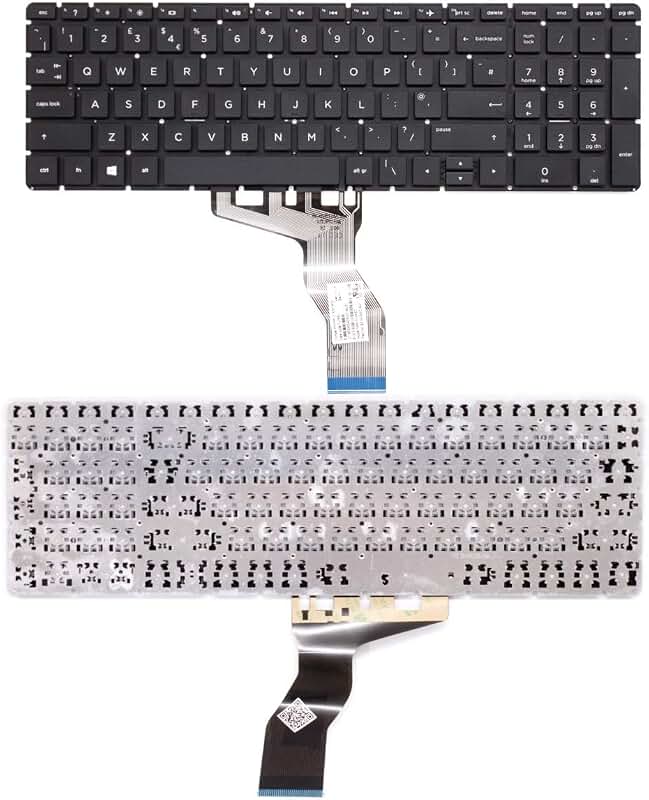
Replace a damaged or worn keyboard on your HP EliteBook x360 1030 G2 with this direct-fit replacement keyboard (backlit, UK (English) layout). It uses the same mounting points and ribbon connector as the original, so it plugs straight into the motherboard.
Key features
- Made to fit the HP EliteBook x360 1030 G2
- Backlit keys for typing in low light (your laptop must support backlighting)
- UK layout with the larger Enter key and £ symbol
- Fixes missing, sticky, or unresponsive keys and spill damage
- Uses the original ribbon connector; no adapters needed
HP EliteBook x360 1030 G2 Replacement Keyboard – Backlit UK layout specifications
| Brand | HP |
|---|---|
| Product type | Laptop replacement keyboard |
| Compatible with | HP EliteBook x360 1030 G2 |
| Backlight | Yes |
| Layout | UK English |
| Part number / SKU | HP-1030-G2-BACKLIT-UK |
| Condition | Brand new |
Compatibility check before you buy
- Compatible with: HP EliteBook x360 1030 G2
- Check whether your current keyboard is backlit and which layout it uses (UK or US) before ordering. A backlit keyboard needs a laptop that supports backlighting.
How it compares
Other keyboard versions we stock for the same laptop:
| Version | Backlight | Layout |
|---|---|---|
| HP EliteBook x360 1030 G2 Replacement Keyboard – Backlit UK layout (this item) | Yes | UK English |
| HP EliteBook x360 1030 G2 Replacement Keyboard – Backlit US layout | Yes | US English |
Who it’s for
- Laptops with missing, sticky or broken keys
- Keyboards damaged by spills
- Refreshing a worn, shiny keyboard on a business laptop
Frequently asked questions
Will this keyboard fit my HP EliteBook x360 1030 G2?
It is made for the HP EliteBook x360 1030 G2. Check the model name on the sticker under your laptop. If your keyboard has a part number, send it to us and we will confirm the match before you order.
How do I know if my laptop has a backlit keyboard?
Look for a small light symbol on one of the function keys (often F5, F9, F10 or the spacebar on ThinkPads). If the symbol is there and your keys used to light up, choose the backlit version; a backlit keyboard will not light up on a laptop that was built without backlight support.
UK or US layout – what’s the difference?
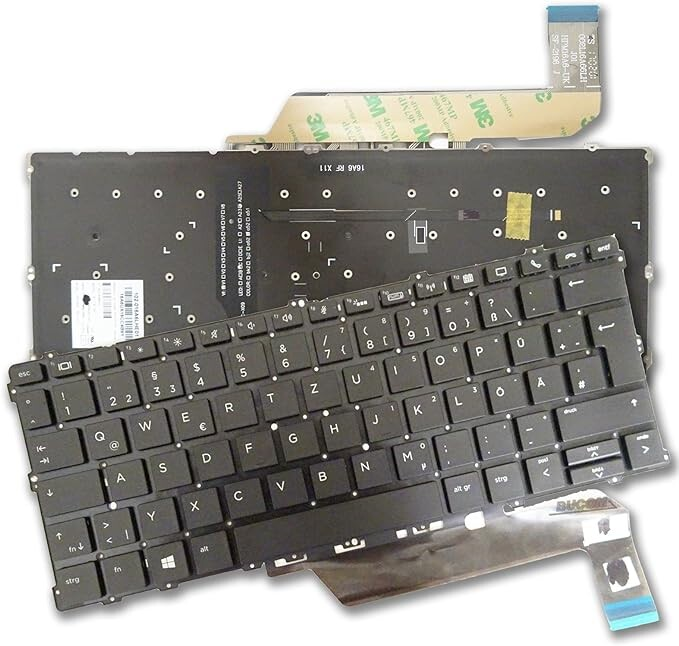
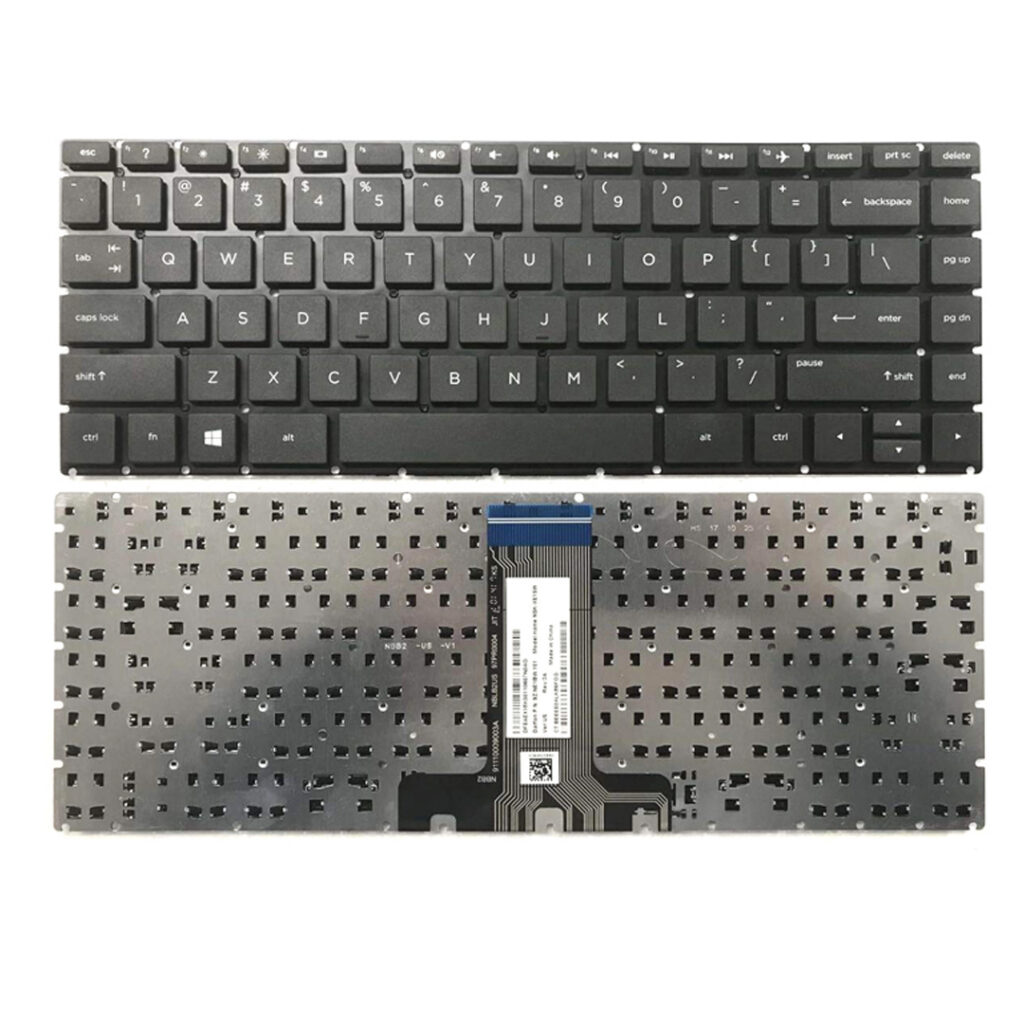
The UK layout has a tall, two-row Enter key and a £ symbol; the US layout has a wide one-row Enter key and a $ above the 4. Match the layout of your current keyboard so the keys fit the opening exactly.
Can you fit the keyboard for me?
Fitting usually means removing the bottom cover (and on some models the battery) and reconnecting a ribbon cable. If you’re not comfortable doing this, any laptop technician can fit it in minutes; contact us for help.
Do you deliver in Nairobi and across Kenya?
Yes. Computer Accessories Kenya offers free delivery within Nairobi for orders of up to 5 items, and countrywide delivery to all counties from KSh 500 depending on location. Returns are accepted within 7 days.
Buy the HP EliteBook x360 1030 G2 Replacement Keyboard – Backlit UK layout in Kenya
Order online from Computer Accessories Kenya (computeraccessories.co.ke) and pay securely at checkout. We offer free delivery within Nairobi for orders of up to 5 items, countrywide delivery from KSh 500 depending on your county, and 7-day returns. Need help choosing? Contact our team before you order.
Reviews
There are no reviews yet.